
AI living room design for seating and atmosphere
AI living room design for seating, activities and materials. Download a free brief or use credits for a furnished PNG concept; verify furniture fit yourself.
Four decisions for a living room concept
Existing plan illustrations explain the decisions; they are not results generated from your current settings.
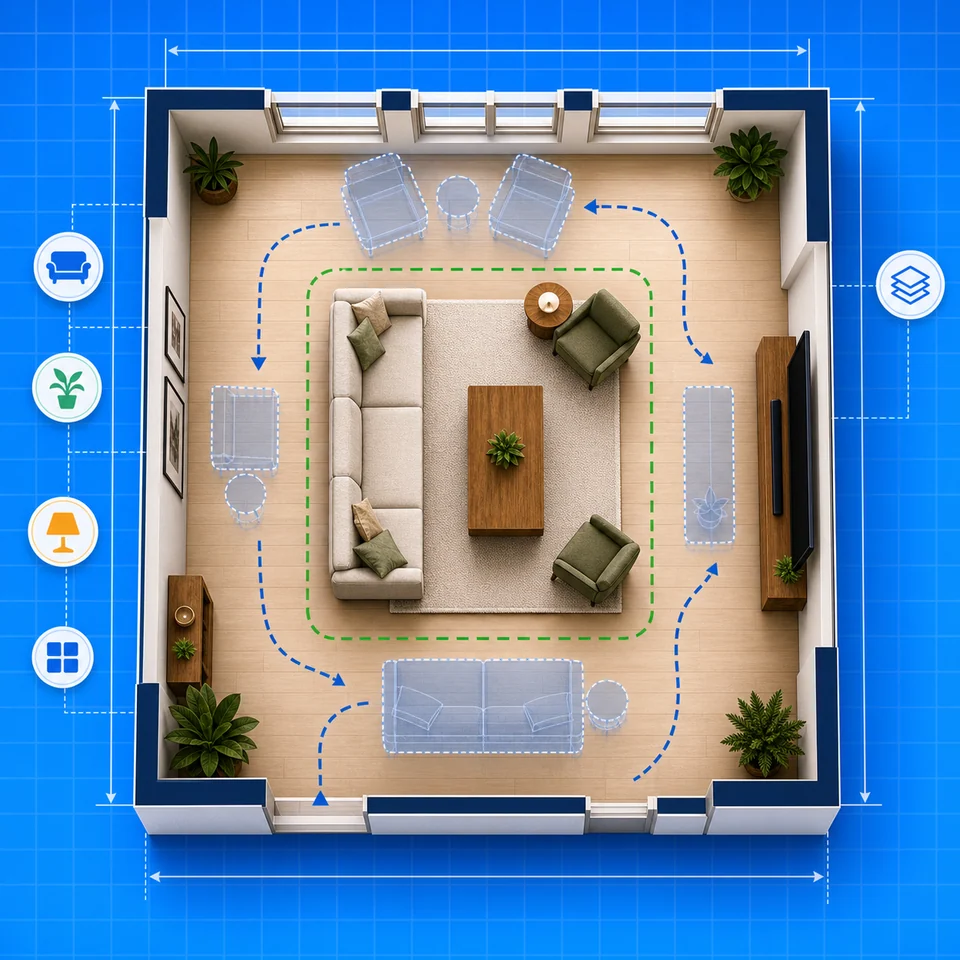
Seat the people who use the room
Set one to eight seats and choose a sofa arrangement. The applied prompt carries your exact seating requirement.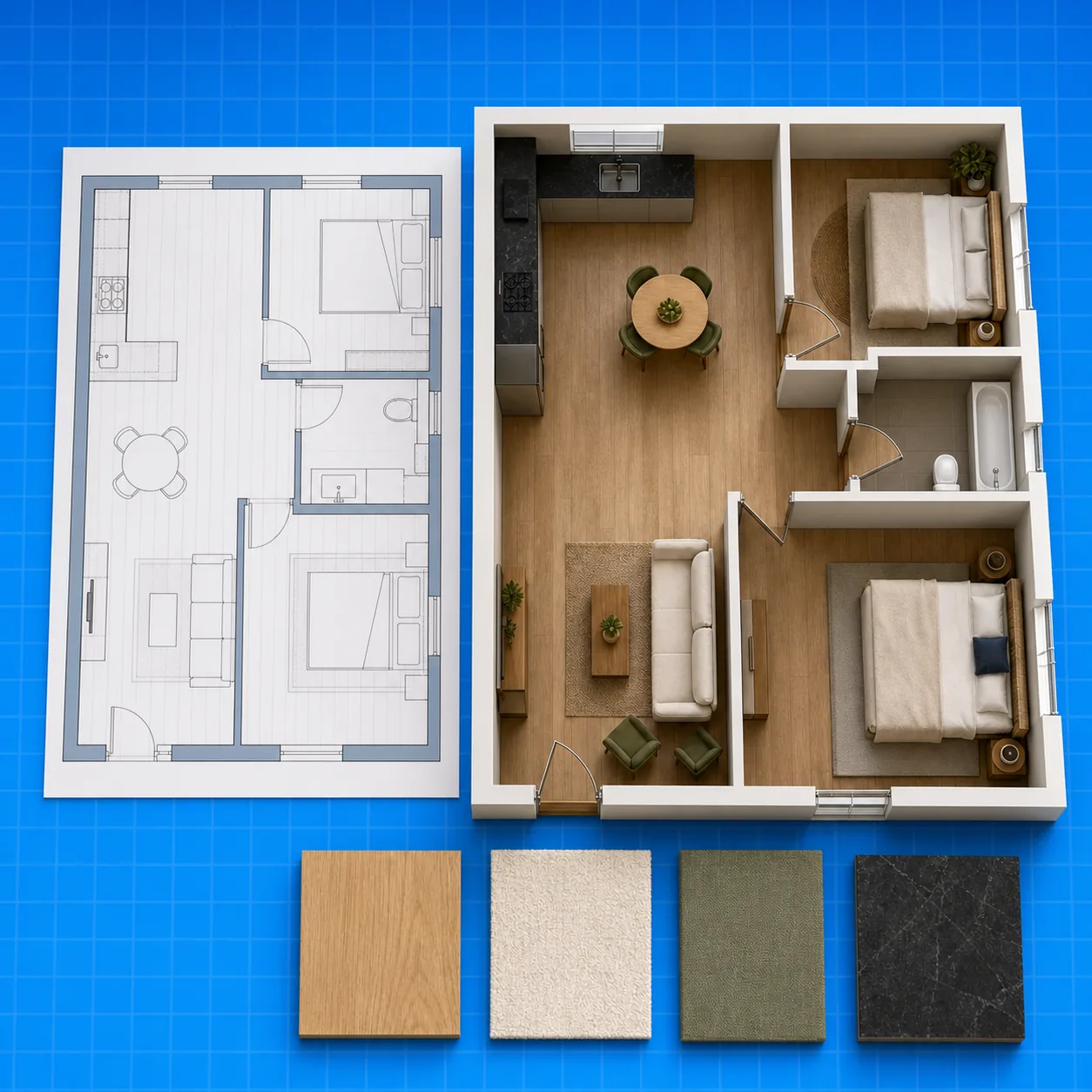
Choose the activity before the palette
Conversation, TV viewing and family play lead to different focal points. Select one primary activity so the design brief has a clear hierarchy.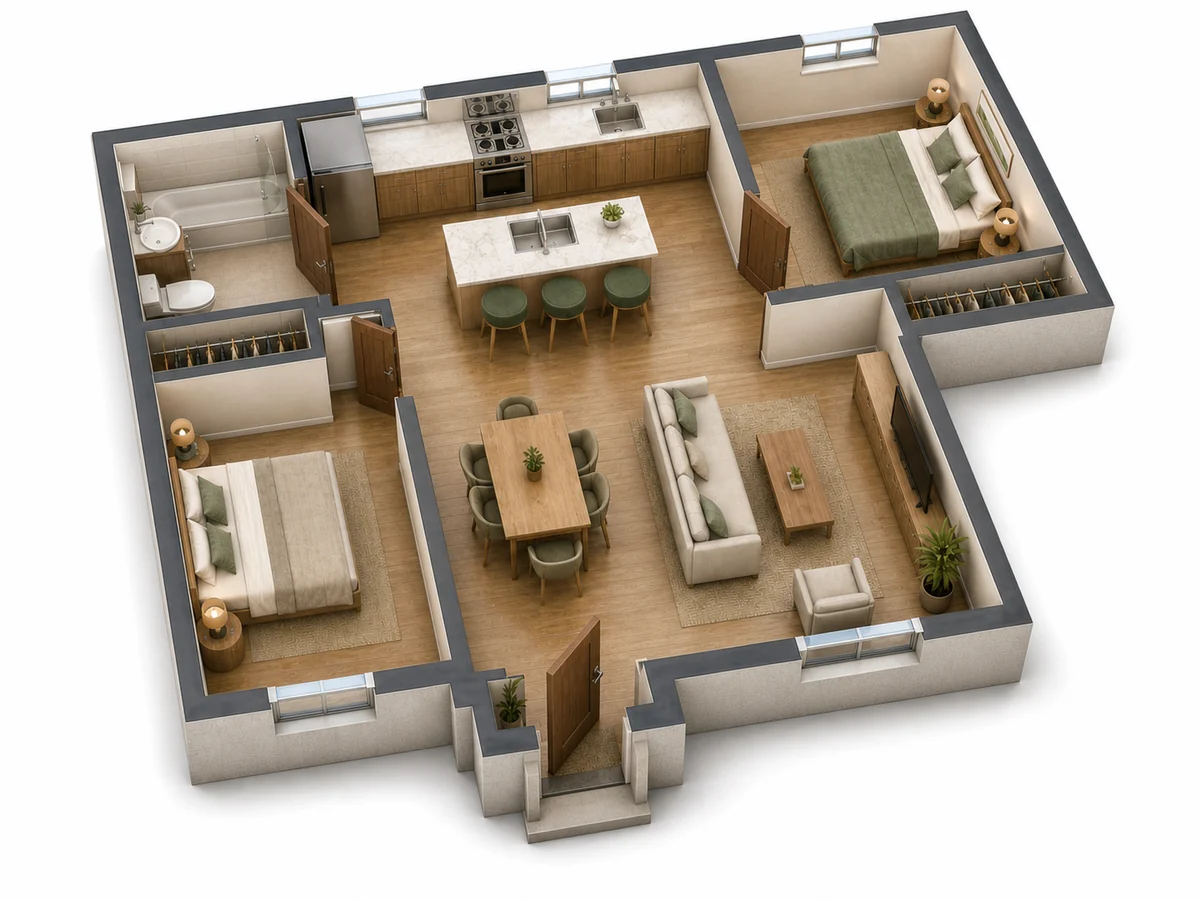
Retain existing openings and items
Describe the window, doorway or cabinet that must stay. These are written constraints for review, not measured locks enforced by a solver.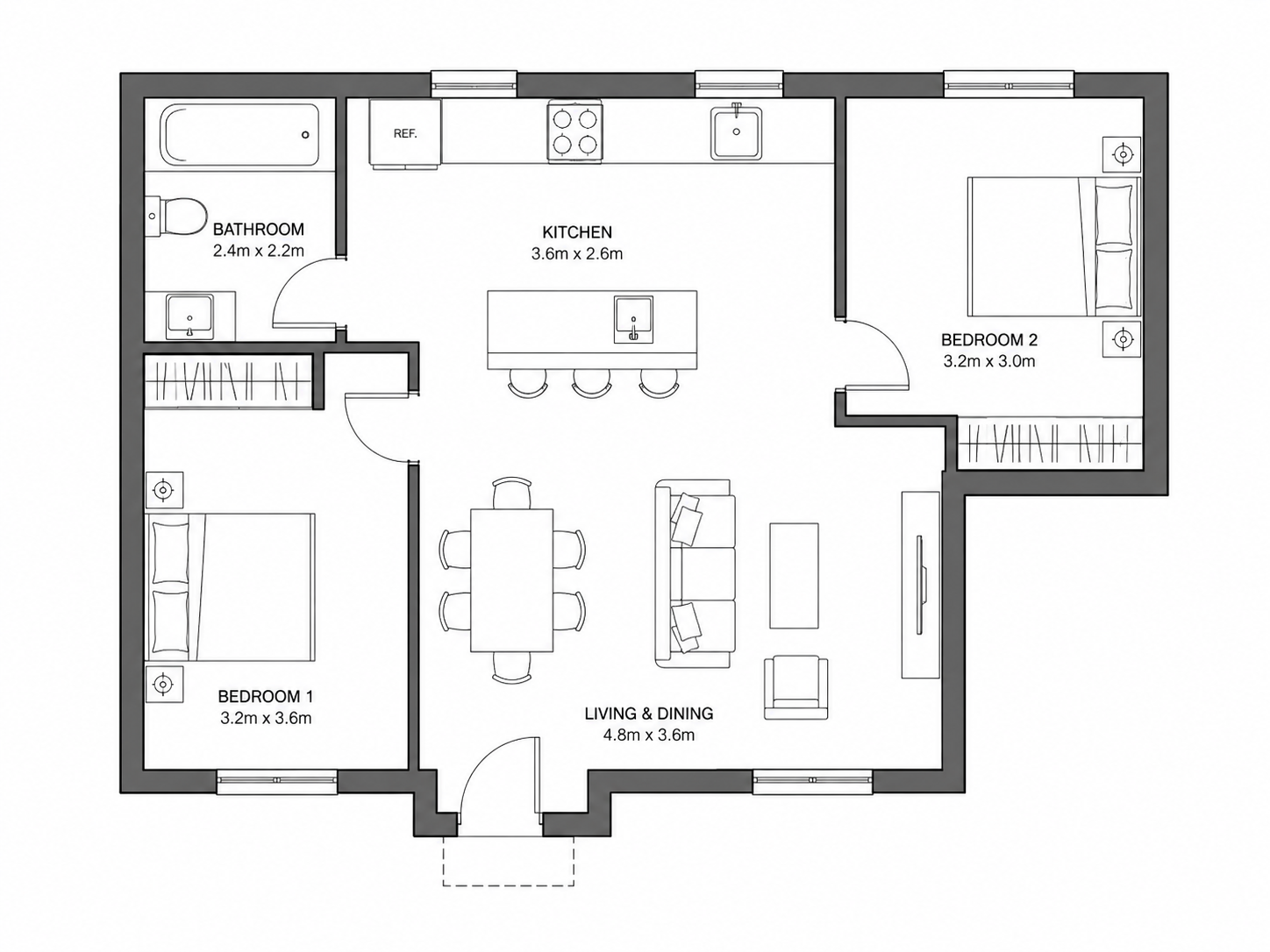
Compare a coherent material direction
Choose warm minimal, Scandinavian, contemporary or Japandi as a briefing direction, then inspect the generated furniture and materials yourself.A living room, not a generic home
Start with seats and everyday activities
A living room has several competing uses: talking, watching television, playing and moving between doors. Start by selecting the main activity and the number of seats rather than copying a decorative room picture.
This workflow prepares a room-specific brief for a furnished plan-view or isometric concept. It does not restyle an eye-level room photograph or calculate guaranteed sofa clearances. Use the room layout generator when you need explicit furniture dimensions and placements.
Seat the people who use the room
Set one to eight seats and choose a sofa arrangement. The applied prompt carries your exact seating requirement.
Choose the activity before the palette
Conversation, TV viewing and family play lead to different focal points. Select one primary activity so the design brief has a clear hierarchy.
Retain existing openings and items
Describe the window, doorway or cabinet that must stay. These are written constraints for review, not measured locks enforced by a solver.
Compare a coherent material direction
Choose warm minimal, Scandinavian, contemporary or Japandi as a briefing direction, then inspect the generated furniture and materials yourself.
A focused brief
Keep seating, openings and atmosphere connected
Local brief controls and optional image generation have separate costs and outputs.
No generation required to prepare the brief
The JSON download works locally before sign-in and costs no AI credits.
Furniture fit has its own next step
Move to Room Layout for dimensions and positions; inspect door swings and actual walking space before choosing a sofa.
One room, one primary activity
Avoid an image prompt that mixes a lounge, kitchen, office and bedroom into a confusing result.
How it works
From room measurements to a living room brief
Measure, choose seating, apply a brief and review any optional PNG.
Measure the room envelope
Enter width, length and units. Write down fixed doors, windows and retained furniture separately.
Choose seats and the focal activity
Select a seat count, seating arrangement and conversation, TV or play priority.
Download or apply the living room brief
Download its JSON locally or use the brief to populate the editable generation prompt. Applying does not submit a generation.
Review the furnished concept
If you generate a PNG with account credits, inspect seating, window access and door circulation against real measurements.
Support notes
Questions about ai living room design
Photo-restyling, furniture-fit and credit boundaries explained.
AI plans should be reviewed before construction decisions.
AI generation uses account credits. Downloading a saved PNG does not run a new generation.
01Does this redesign my room photo?
02Is AI living room design free?
03Does the image prove my sofa fits?
04Can I keep my existing furniture?
Brief first, image second
Prepare your living room concept
Download the design brief without an account, or review its prompt and use account credits for an optional furnished PNG. Check real dimensions before buying furniture or changing a wall.